




HP 15 vs OmniBook 7 Flip: Which Laptop Is Better for Nigerians?
Compare the HP 15 Core i7 13th Gen with the HP OmniBook 7 Flip Core Ultra 7 256V. See performance, display, battery, AI features and which makes more sense in Nigeria.

At first glance, this looks like a straightforward processor comparison. One laptop has a 13th-generation Core i7, while the other has Intel's newer Core Ultra 7.
But after researching both machines, we think that's the wrong way to look at this comparison.
The conventional HP 15 with a Core i7-1355U, 16GB RAM and 1TB SSD is primarily an everyday productivity laptop. The HP OmniBook 7 Flip 16, meanwhile, is a considerably newer convertible platform built around touchscreen interaction, Intel's Lunar Lake architecture, dedicated AI acceleration, stronger integrated graphics and Copilot+ PC features.
Both can have 16GB RAM and 1TB storage. That's about where the similarities end. For Nigerian buyers, the more useful question is whether the OmniBook's newer technology actually improves the things you do enough to justify paying more.
HP 15 vs OmniBook 7 Flip Specifications
Feature | HP 15 Core i7 | HP OmniBook 7 Flip 16 |
|---|---|---|
Processor | Core i7-1355U | Core Ultra 7 256V |
CPU | 10 cores / 12 threads | 8 cores / 8 threads |
Maximum frequency | Up to 5.0GHz | Up to 4.8GHz |
RAM | 16GB DDR4 on compared configuration | 16GB LPDDR5x |
Memory speed | DDR4-3200 | LPDDR5x-8533 |
Storage | 1TB SSD | 1TB SSD |
Graphics | Intel Iris Xe | Intel Arc 140V |
NPU | No dedicated modern NPU | Intel AI Boost, up to 47 TOPS |
Display | 15.6-inch FHD | 16-inch touchscreen |
Premium display option | — | 3K OLED, up to 120Hz |
Convertible | No | Yes, 360-degree hinge |
Pen support | No major focus | Supported |
Copilot+ PC | No | Yes |
Battery | 41Wh on compared HP 15 SKU | 68Wh on current U.S. 256V configuration |
Thunderbolt 4 | No on typical HP 15 configuration | Yes |
Wi-Fi | Configuration dependent | Up to Wi-Fi 7 |
Best suited to | Everyday computing/value | Premium productivity/AI/creative work |
The OmniBook 7 Flip's advantage isn't simply having a newer processor. It's an entirely more modern platform surrounding that processor.
HP 15: What Do You Actually Get?
The Core i7 HP 15 remains a capable mainstream laptop. The Core i7-1355U has 10 cores and 12 threads, with a maximum turbo frequency of 5.0GHz. Combined with 16GB RAM and a 1TB SSD, that's still plenty of hardware for ordinary productivity in 2026.
We'd be comfortable using this configuration for:
Microsoft Office
Chrome and Edge
Programming
Zoom and Teams
University assignments
Accounting applications
Data analysis
Business software
Light Photoshop work
Everyday multitasking
The important point is that a three-year-old Core i7 doesn't suddenly become slow because Core Ultra exists.
For someone primarily running Office, Chrome, VS Code, WhatsApp, banking applications and web-based business software, the HP 15 can still perform those jobs perfectly well.
Its limitations become clearer when you move beyond conventional CPU workloads.
Intel Iris Xe is considerably older integrated graphics technology, there's no modern dedicated NPU, and typical HP 15 displays are much more basic than what HP offers on the OmniBook.

The OmniBook 7 Flip Is a Completely Different Kind of Laptop
The OmniBook 7 Flip 16 uses Intel's Core Ultra 7 256V, an eight-core/eight-thread Lunar Lake processor reaching up to 4.8GHz.
It also includes something the older Core i7 doesn't have: Intel Arc 140V graphics and a dedicated AI NPU.
The NPU reaches up to 47 TOPS, allowing the laptop to meet Microsoft's Copilot+ PC requirements and accelerate supported AI workloads locally.
But the biggest everyday difference may actually be the chassis. This is a 360-degree convertible. You can use it as a conventional laptop, fold the keyboard behind the display for tablet use, place it in tent mode for presentations or videos, or use the touchscreen with a compatible pen.
HP's U.S. configuration currently includes an HP USB-C Rechargeable MPP 2.0 Tilt Pen, although bundled accessories can vary by market. That versatility is something the HP 15 simply doesn't provide.
Be Careful With the OmniBook's Display Specification
This is one area where our research uncovered an important buying detail. You'll see the OmniBook 7 Flip advertised with a beautiful 16-inch 3K OLED touchscreen offering 2880 × 1800 resolution and a high-refresh-rate experience.
That panel exists. But not every OmniBook 7 Flip has it. HP's configurator also lists a 16-inch 1920 × 1200 IPS touchscreen rated at 400 nits. The premium alternative is the 2880 × 1800 OLED touchscreen, rated at 400 nits SDR and 500 nits HDR.
HP's wider OmniBook 7 family page specifies the premium panel as a 3K OLED 48–120Hz variable-refresh-rate touchscreen.
That's a huge distinction when buying in Nigeria. Don't see “OmniBook 7 Flip Core Ultra 7” on a retailer page and automatically assume you're getting OLED.
Check the exact SKU and display resolution. If the laptop you're considering genuinely has the 3K OLED panel, then the display advantage over a conventional HP 15 is enormous.
Colours, contrast, resolution, touchscreen functionality and smoothness all move into a different class.
For photographers and designers, that matters. For someone spending eight hours inside Excel, the difference may be less important.
Performance: Don't Compare Core Counts Alone
This comparison demonstrates why CPU specifications can be misleading.
The Core i7-1355U has: 10 cores / 12 threads
The newer Core Ultra 7 256V has: 8 cores / 8 threads
Does that mean the old Core i7 is automatically faster? No. The processors use very different architectures and were designed around different priorities.
The Core Ultra 7 256V combines newer CPU cores with dramatically faster memory, Intel Arc 140V graphics and a dedicated NPU.
For ordinary Word documents and web browsing, we'd expect both machines to feel fast. Where the OmniBook becomes much more interesting is graphics-heavy work, AI acceleration and workloads that benefit from the newer platform.

Intel Arc 140V Is a Bigger Upgrade Than the CPU Name Suggests
We think graphics are one of the strongest reasons to choose the OmniBook.
The HP 15 relies on Intel Iris Xe, while the OmniBook 7 Flip's 256V includes Intel Arc 140V graphics.
That doesn't transform the OmniBook into a gaming laptop with an RTX GPU.
But it significantly improves the integrated-graphics proposition.
For light gaming, GPU-accelerated creative applications and media workloads, we'd much rather have the Arc 140V.
This matters because buyers sometimes look only at “Core i7 versus Core Ultra 7” and overlook the GPU.
For many visual workloads, the graphics upgrade could be more noticeable than the CPU difference.
AI: This Is Where the Generational Gap Is Obvious
The HP 15's i7-1355U comes from before Intel started building its current dedicated AI architecture into mainstream mobile processors.
The 256V is different.
Its Intel AI Boost NPU delivers up to 47 TOPS of NPU performance.
That allows compatible AI tasks to run on specialised silicon instead of relying entirely on the CPU, GPU or cloud.
Potential uses include:
Windows Studio Effects
Background processing
AI image tools
Noise reduction
Local AI applications
Copilot+ experiences
Generative AI features
Supported creative software
We wouldn't buy the OmniBook just because the box says “AI PC.”
Many popular AI assistants still perform substantial processing in the cloud.
But over several years of ownership, having dedicated AI hardware gives the OmniBook access to a class of local Windows features the older HP 15 wasn't designed around.
RAM: 16GB Isn't Always the Same 16GB
Both machines in this comparison have 16GB memory.
But the technology differs substantially.
The HP 15 configuration uses DDR4-3200, while the Core Ultra 7 256V platform pairs its memory with much faster LPDDR5x. HP's current Flip configuration lists 16GB onboard memory, while the wider family supports higher-memory configurations.
The faster memory is particularly important because integrated graphics share system memory.
There's a trade-off.
The OmniBook's memory is onboard.
You therefore shouldn't buy 16GB assuming you'll simply install another RAM stick several years later.
If you know your work regularly consumes more than 16GB, we'd investigate a 32GB OmniBook configuration from the beginning.
Storage Is Essentially a Tie
At 1TB versus 1TB, neither laptop wins on capacity.
A 1TB SSD is enough for a substantial collection of documents, applications, photos, programming projects and offline files.
The decision therefore comes down to your workload rather than storage.
If all your important files are already in OneDrive, Google Drive or another cloud platform, even 512GB could potentially be enough.
Video creators and people keeping large datasets locally will appreciate 1TB much more.
Battery: The OmniBook Has a Major Hardware Advantage
This is another area where the specification gap becomes meaningful.
The HP 15 configuration we're comparing uses a relatively small 41Wh battery.
HP's current Core Ultra 7 256V OmniBook 7 Flip configuration uses a substantially larger 68Wh battery and supports HP Fast Charge, reaching approximately 50% in 45 minutes under HP's specified conditions.
The newer Lunar Lake platform was also designed with efficiency as a major priority.
That doesn't mean every OmniBook will automatically achieve spectacular real-world battery life.
A 3K OLED panel at high brightness and 120Hz can consume more power than a basic Full HD display.
But if working through electricity interruptions or spending long periods away from an outlet is important, we'd have considerably more confidence in the OmniBook's battery platform.
Ports: OmniBook Doesn't Sacrifice Everything for Premium Design
Convertible laptops sometimes become frustratingly dependent on dongles.
Fortunately, HP hasn't gone that far here.
The current OmniBook 7 Flip configuration includes two USB-A ports, HDMI 2.1, a 3.5mm audio connection, Thunderbolt 4 and another USB-C port.
That's a useful combination for Nigerian students and professionals who still regularly connect flash drives, projectors, external displays and other conventional peripherals.
Thunderbolt 4 also gives the OmniBook a much faster route to docks, high-speed external storage and displays.
Portability: The HP 15 Has a Simpler Advantage
The OmniBook 7 Flip starts around 1.79kg, according to HP's current family specification.
That's reasonable for a 16-inch convertible, but it isn't particularly light.
The large display and 360-degree hinge also mean tablet mode won't feel like holding an iPad.
We'd think of it as a laptop that can become a tablet when useful, rather than a tablet replacement you want to hold in one hand for hours.
The conventional HP 15 is simpler.
There is no heavy convertible mechanism or large glass touchscreen to justify. Depending on the exact HP 15 SKU, it can therefore be the more straightforward machine to carry and use purely as a laptop.
What About Gaming?
Neither machine should be purchased primarily as a gaming laptop.
But if we had to play games on one, we'd choose the OmniBook.
The Arc 140V is the more capable integrated GPU.
That makes the OmniBook more interesting for esports titles, older PC games and modern games played at sensible settings.
If Call of Duty, Cyberpunk, demanding AAA games or sustained high-frame-rate gaming is a priority, we'd skip both and buy something with a dedicated NVIDIA or AMD GPU.
HP 15 vs OmniBook 7 Flip Price in Nigeria
This is where we'd avoid giving readers false precision.
We couldn't verify ₦1.15 million for the exact HP 15 configuration and ₦1.30 million for the exact 256V/16GB/1TB OmniBook 7 Flip as stable nationwide Nigerian prices during our current check.
HP Nigeria lists the OmniBook 7 family and related Core Ultra configurations, but local availability varies by SKU.
Our wider Nigerian market check also found significant variation across HP's premium laptop range. For example, Westgate currently lists a Core Ultra 7 256V/16GB/1TB OmniBook Ultra Flip 14 at about ₦2.004 million—but that is a different, more premium OmniBook model and shouldn't be presented as the OmniBook 7 Flip's price.
So we'd compare actual offers rather than rely on one generic price.
The most important thing is making sure you're comparing like-for-like configurations.
A 3K OLED OmniBook 7 Flip deserves a different price comparison from the cheaper IPS version.
Which One Makes More Sense in Nigeria?
For us, the decision comes down to how large the actual price difference is.
If the HP 15 is dramatically cheaper and you mainly need Microsoft Office, programming, web browsing, schoolwork and ordinary business applications, there's little reason to overspend.
The Core i7-1355U remains capable.
If the price difference is relatively small, however, the OmniBook becomes considerably harder to ignore.
You're getting a newer architecture, better integrated graphics, a dedicated NPU, larger battery, touchscreen, convertible hinge, faster memory, Thunderbolt 4 and Copilot+ capabilities.
And if the configuration includes the 3K OLED 120Hz display, the difference becomes even greater.
Who Should Buy the HP 15?
We'd choose the HP 15 for someone who wants a conventional laptop and prioritises cost.
It particularly makes sense for students, office workers, small-business users and programmers who don't care about touchscreen functionality or local AI features.
Its greatest strength isn't having the most advanced technology.
It's potentially doing everything you actually need without making you pay for features you won't use.
Who Should Buy the OmniBook 7 Flip?
The OmniBook makes more sense for someone planning to keep the laptop for several years and who can benefit from its additional capabilities.
Creators get better integrated graphics and potentially a much better display.
Students can use the touchscreen and pen for handwritten notes.
Professionals get Thunderbolt 4, stronger battery hardware and a more versatile convertible design.
And users interested in emerging Windows AI features get the 47-TOPS NPU required for the modern Copilot+ platform.
Frequently Asked Questions
Is the Core Ultra 7 256V faster than the Core i7-1355U?
They're very different processors, so we'd avoid reducing the comparison to one number. The newer 256V provides a substantially more modern platform with Arc 140V graphics, dedicated AI acceleration and much faster memory. For basic office workloads, both remain capable.
Does the OmniBook 7 Flip have OLED?
OLED is available, but don't assume every configuration has it. HP offers a 16-inch 1920 × 1200 IPS touchscreen as well as a higher-end 2880 × 1800 OLED option.
Does the OmniBook 7 Flip have a 120Hz display?
The premium 3K OLED configuration supports a variable refresh rate reaching 120Hz.
Can the OmniBook 7 Flip become a tablet?
Yes. Its 360-degree hinge supports laptop, tent, reverse and tablet-style use.
Which laptop is better for programming?
Both work well for programming. We'd choose based on price, memory requirements and battery needs rather than coding performance alone. Developers using AI-enhanced Windows features or GPU-accelerated applications get more capability from the OmniBook.
Which is better for students?
The HP 15 makes sense when budget is the priority. The OmniBook becomes more useful for students who value pen input, touchscreen note-taking, battery endurance and a convertible design.
Final Verdict
After comparing these machines, we wouldn't describe the decision simply as:
HP 15 = cheap. OmniBook = better.
There's more nuance than that. The HP 15 Core i7 is still a perfectly capable productivity machine. A Core i7-1355U, 16GB RAM and 1TB SSD can handle the workloads that make up most people's working day: browser tabs, Office, coding, meetings, streaming and ordinary multitasking.
If that's all you need, buying the HP 15 at a substantially lower price can be the smarter use of your money. The OmniBook 7 Flip earns its premium by giving you capabilities the HP 15 fundamentally doesn't have.
The Core Ultra 7 256V combines eight CPU cores with Arc 140V graphics and a dedicated AI engine reaching 47 TOPS. The laptop adds a 360-degree touchscreen, substantially faster memory, Thunderbolt 4 and a much larger 68Wh battery on the configuration we researched.
Then there's the display. If you're looking at the 3K OLED 48–120Hz configuration, we'd consider that one of the biggest upgrades in this entire comparison. But buyers need to check carefully because HP also sells the OmniBook 7 Flip with a lower-resolution IPS touchscreen.
That's why we'd make the Nigerian buying decision based on configuration and price gap. If an HP 15 costs hundreds of thousands of naira less and your workload is Office, Chrome, VS Code and school or business applications, we'd save the money.
If the prices are close—and especially if the OmniBook includes the 3K OLED display—the newer machine gives you considerably more technology for the money.
For creators, touchscreen users and people who want the newer Copilot+ platform, the OmniBook's advantages are meaningful.
For buyers who simply need a dependable Windows laptop, the HP 15 proves that newer isn't automatically necessary.
The buying threshold we'd use: compare the exact screen, RAM, SSD and warranty first. If the OmniBook premium is modest, its newer platform makes sense. If the price difference is substantial and you won't use the touchscreen, Arc graphics or AI hardware, the HP 15 remains the more economical choice.
Read more: HP OmniBook Ultra Flip Review: Should Nigerians Buy It?
Read more: Dell XPS 13 vs MacBook Air M5: Which Is Better in Nigeria?
Read more: HP ZBook Fury G1i 16 Review: 192GB RAM and Pro Graphics

Author
Adebayo JohnsonSenior tech editor with over 4 years of experience covering mobile and gadget technology. Explore author & articles
Related Articles

Best Gaming Laptop 2026: Gigabyte A16 vs HP Omen Max 16 — Which One Should Nigerians Buy?
Gigabyte A16 vs HP Omen Max 16: compare RTX 5070 performance, processor, display, RAM, storage, cooling, price and value for Nigerian gamers.

How to Fix Laptop Battery Draining Quickly on Windows
Is your Windows laptop battery draining too fast? Try these practical fixes to reduce battery usage, improve battery life and identify apps consuming power.

HP ZBook Fury G1i 16 Review: 192GB RAM and Pro Graphics
HP ZBook Fury G1i 16 supports up to 192GB RAM, 16TB storage, Intel Core Ultra HX processors and RTX PRO Blackwell graphics for demanding professional workloads.

Best Budget Gaming Laptops in Nigeria 2026– Top Affordable Picks
The best affordable gaming laptops in Nigeria for 2026, comparing HP Victus, Lenovo LOQ, Acer Nitro V, ASUS TUF and MSI on GPU performance, display, upgrades and price.
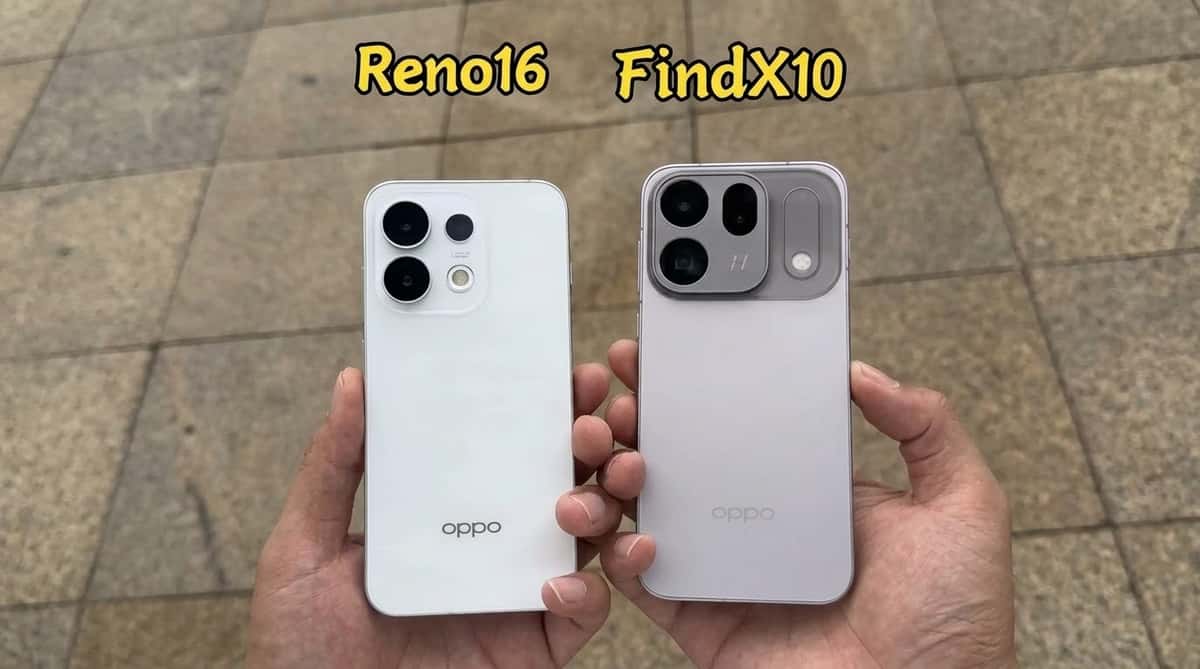
OPPO Reno16 vs OPPO Find X10: The Price Gap Is Big, but So Is the Hardware Difference
OPPO Reno16 vs Find X10 comparison covering cameras, performance, battery, display and prices to see which phone offers better value.
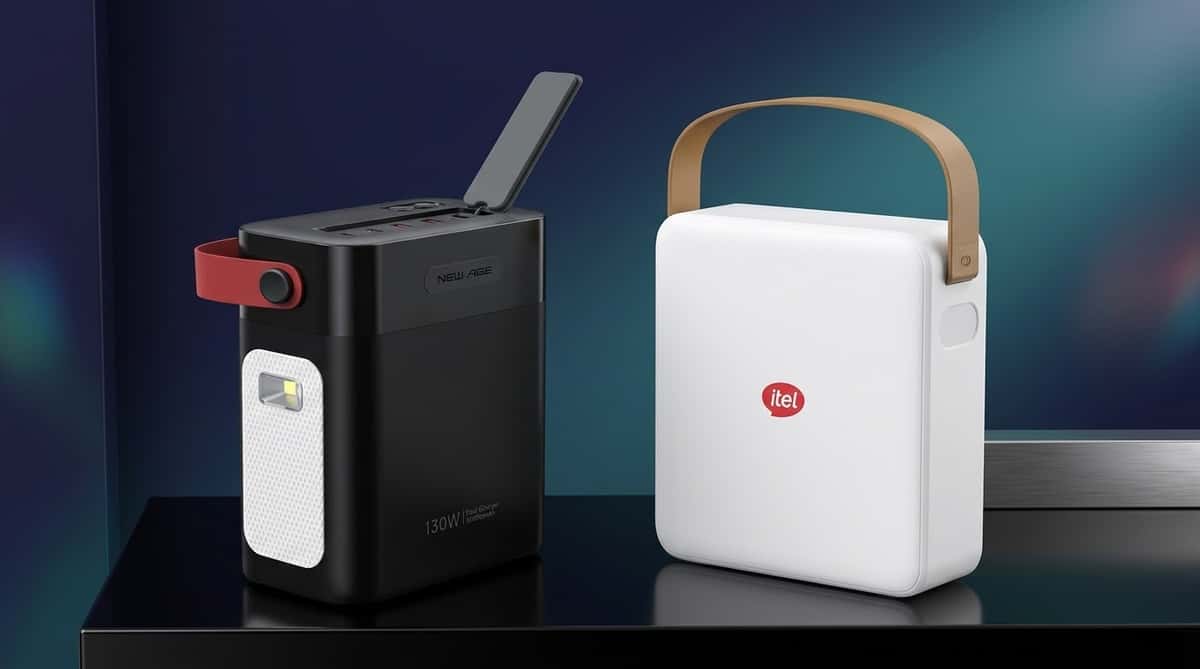
New Age 80,000mAh vs itel IESS-320T: Which 130W Backup Power Solution Should You Buy?
New Age Heavy Duty 80,000mAh vs itel IESS-320T buying guide comparing battery capacity, 130W output, laptop charging, solar support and prices in Nigeria.

iPhone 17 Pro Max vs Xiaomi 17 Pro Max: Which Is Better?
iPhone 17 Pro Max vs Xiaomi 17 Pro Max comparison covering cameras, performance, displays, battery, software, international price and Nigeria price.
Comments (0)
Leave a comment
Comments cannot be edited or deleted after posting. Please review your comment before submitting.
No comments yet. Be the first to share your thoughts using the form above.