


WhatsApp Account Banned in Nigeria? How to Avoid a Ban and Get Your Account Back
WhatsApp banned your account in Nigeria? Learn why accounts get banned, how to avoid WhatsApp restrictions and what to do if your account is banned.
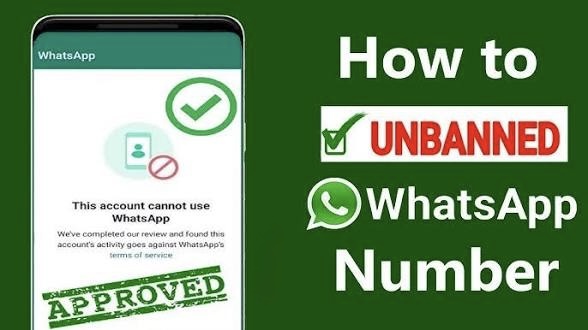
WhatsApp Ban in Nigeria: How to Avoid It & Recover Your Account
If your WhatsApp account has suddenly been banned, you are not alone. Nigerian users can lose access after sending large numbers of messages, contacting people who do not know them, or using modified versions of WhatsApp.
The good news is that some restrictions can be reversed if the ban was a mistake. The best approach, however, is to prevent your account from being flagged in the first place.
Why Does WhatsApp Ban Accounts?
WhatsApp uses automated systems and reports from users to identify accounts that may be violating its rules.
Common reasons include:
Sending spam messages to many people
Messaging large numbers of people who have not saved your number
Repeatedly being blocked or reported by users
Using unofficial WhatsApp applications
Automating messages through unauthorized tools
Sending misleading or fraudulent content
Adding people to groups without their consent
Repeatedly sending promotional messages
Using an account in ways that trigger WhatsApp's abuse-detection systems
For businesses and marketers, aggressive bulk messaging can be particularly risky.
How to Avoid Getting Banned on WhatsApp in Nigeria
1. Don't Send the Same Message to Hundreds of People
Copying and sending the same promotional message to a large number of contacts can make your account look like a spam account. Instead, communicate with people who have actually agreed to receive your messages.
2. Avoid Messaging People Who Don't Know You
If dozens of people receive a message from an unknown number and immediately block or report it, that can hurt the account. For business communication, make it clear how the person obtained your number and why you are contacting them.
3. Stop Using Modified WhatsApp Apps
Avoid unofficial versions such as modified WhatsApp applications that promise additional features. Stick with the official WhatsApp application from the legitimate app stores.
4. Don't Buy WhatsApp Numbers or Accounts
Buying accounts, numbers or pre-aged WhatsApp profiles can create additional problems.
You don't know what activity was previously associated with the account, and unusual account behaviour can increase the risk of restrictions.
5. Be Careful With WhatsApp Groups
Don't repeatedly add strangers to groups without permission. If you run a business or community, consider sharing an invitation link and allowing people to join voluntarily.
6. Don't Use WhatsApp Automation Tools Carelessly
Some businesses try to automate thousands of WhatsApp messages using third-party software. That can put the account at risk, particularly when the messages are unsolicited. If you need WhatsApp for serious business communication, use WhatsApp's official business solutions rather than trying to bypass its restrictions.
What If WhatsApp Has Already Banned Your Account?
First, open WhatsApp using the affected number. If WhatsApp displays a message saying your account is banned, look for the option to Request a Review.
Explain briefly that you believe the restriction was made in error.
For example:
Hello WhatsApp Support, my account appears to have been banned and I believe this may have happened by mistake. I use this number for legitimate personal/business communication. Please review the account and restore access if there has been an error.
Keep the explanation short and factual.
Don't Keep Creating New Accounts
If your account is restricted, immediately creating multiple new accounts and repeating the same behaviour isn't a good solution. Instead, identify what may have triggered the restriction before changing your WhatsApp usage.
Can a Permanently Banned WhatsApp Account Be Recovered?
It depends on the reason for the restriction. If WhatsApp determines that an account was incorrectly banned, a review can result in the account being restored. However, there is no guaranteed trick or secret code that can remove a legitimate WhatsApp ban.
Be particularly careful with websites or individuals claiming that they can "unban" any WhatsApp number for a fee.
What Nigerian Businesses Should Do
If you use WhatsApp to sell phones, promote data plans, advertise services or communicate with customers, don't treat WhatsApp like a conventional bulk-email platform. Build your audience through permission-based communication.
For example:
Better approach:
Customer visits your website → enters their number → agrees to receive WhatsApp updates → you send relevant information.
Riskier approach:
Buy a list of Nigerian phone numbers → send the same advertisement to thousands of people → receive numerous blocks and reports. The first approach is much more sustainable.
Final Verdict
Getting your WhatsApp account banned can be frustrating, especially when the number is connected to your customers, family and business. The safest strategy is simple: use the official WhatsApp application, communicate with people who expect your messages, avoid spam and don't try to bypass WhatsApp's restrictions. If you believe your account was wrongly banned, use WhatsApp's official review process rather than paying someone who promises an instant "unban."
WhatsApp continues to operate its official channels and services under its own Terms and Privacy framework, so users should be cautious about third-party services claiming to represent WhatsApp.
Related Articles
Google Play Store Not Downloading Apps in Nigeria? Here's How to Fix It
Google Play Store not downloading apps on your Android phone? Try these practical fixes for stuck downloads, pending apps, slow downloads and failed installations in Nigeria.
WhatsApp Keeps Freezing on iPhone? Here's How to Fix It 2026
Is WhatsApp hanging, freezing, or crashing on your iPhone? Learn the most effective ways to fix slow WhatsApp performance, especially on 64GB and 128GB iPhones running low on storage.

Windows Laptop Takes Too Long to Boot and Runs Slowly? Here’s How to Fix It
Is your Windows laptop taking forever to start or running slowly? Learn the common causes and practical ways to speed up your Windows 10 or Windows 11 PC.
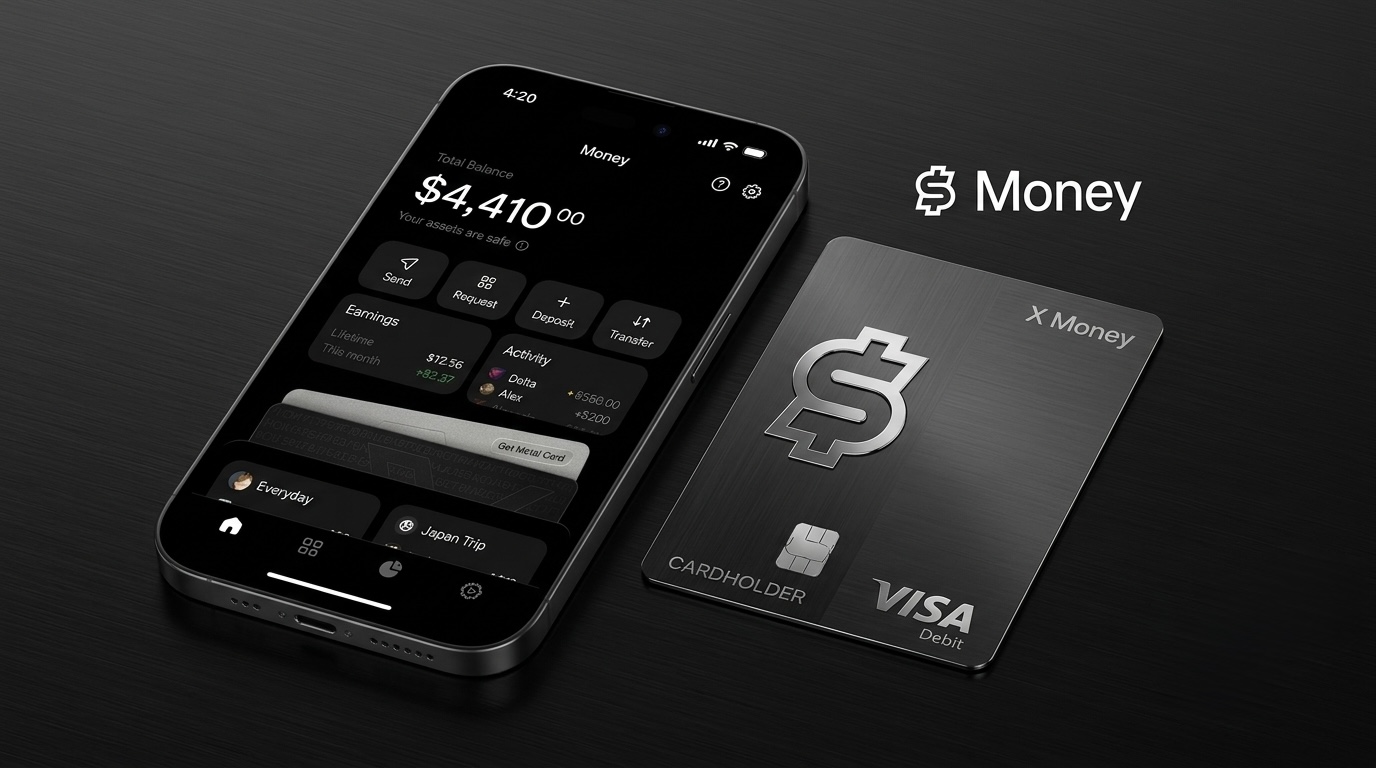
X Money Is Here: Elon Musk's X Begins Rolling Out Its New Financial App in the U.S.
X has begun rolling out X Money to U.S. Premium subscribers, bringing peer-to-peer payments, a Visa debit card, cashback and savings yields to the social platform. Here's what it means.
Windows Search Too Slow? This Free Tool Can Find Almost Any File in Seconds
Everything Windows, VoidTools Everything, Windows Search, Windows 11 tips, Windows 10 tips, file search, PC tips, productivity tools, free Windows software
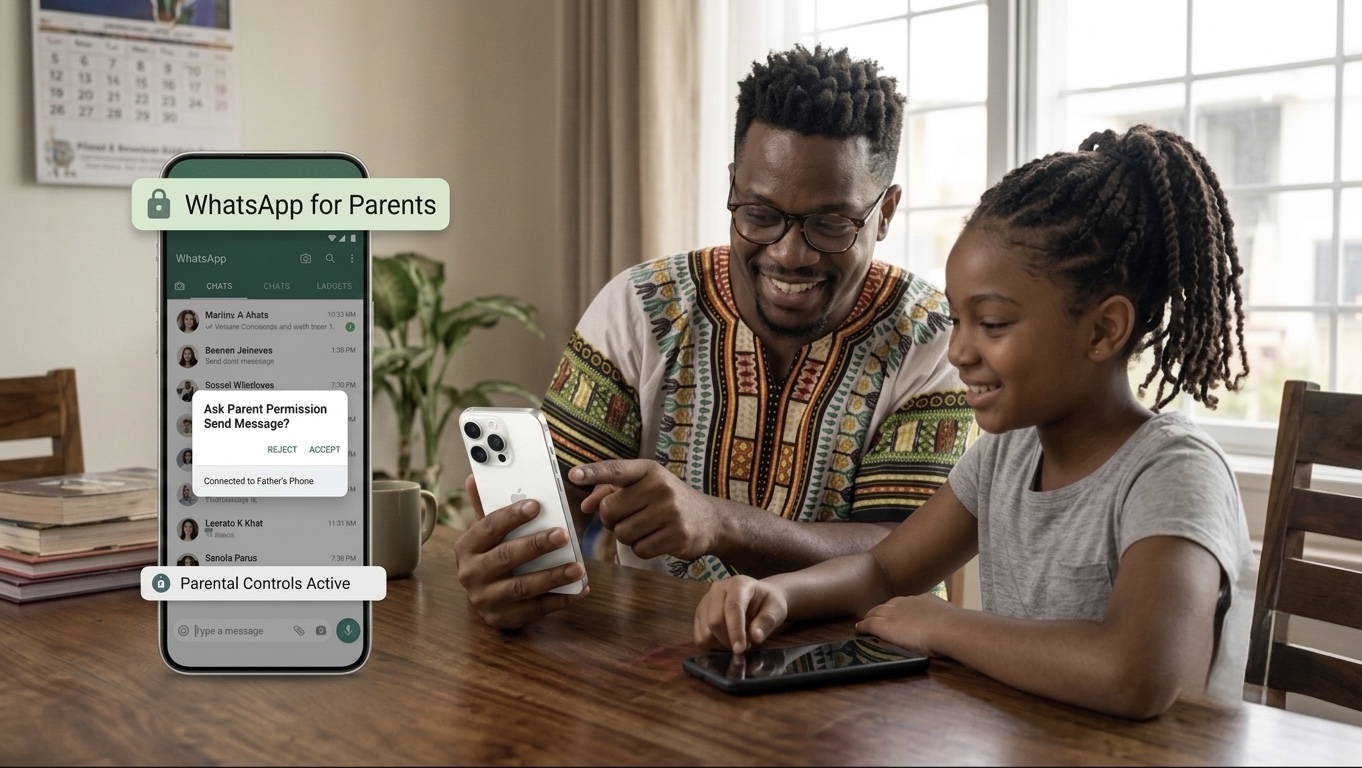
WhatsApp Makes Parental Controls Easier on iPhone: What African Parents Need to Know
WhatsApp is making parent-managed accounts easier to set up on iPhone. Learn how WhatsApp parental controls work, what parents can monitor, and how Nigerian and African families can protect children online.
Apple's iCloud Private Relay May Not Fully Hide Your IP Address, Researchers Warn
Security researchers say Apple's iCloud Private Relay may expose a user's real IP address under certain conditions. Here's what the issue means, who's affected, and whether you should be worried.
Comments (0)
Leave a comment
Comments cannot be edited or deleted after posting. Please review your comment before submitting.
No comments yet. Be the first to share your thoughts!